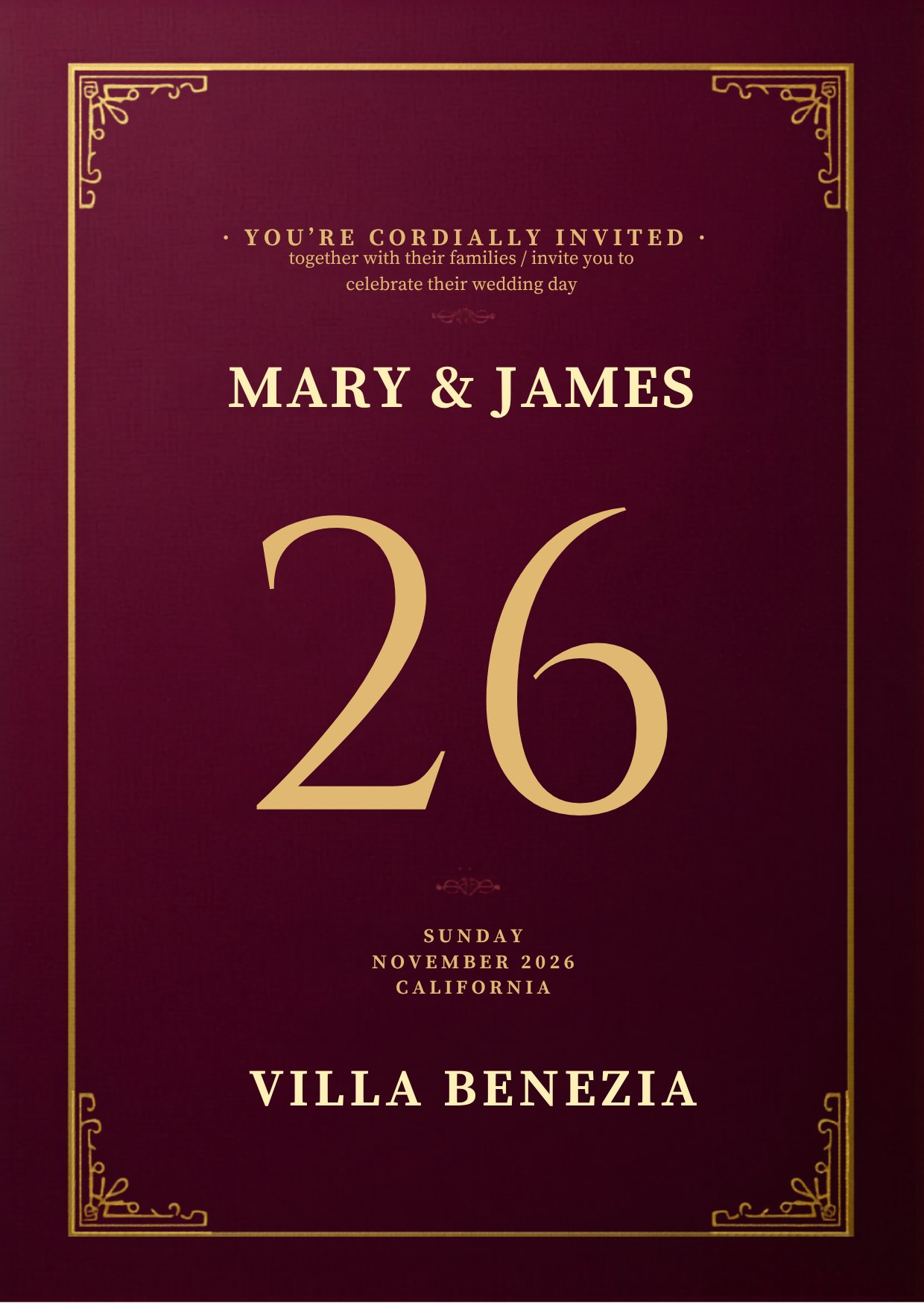
Classic Burgundy & Gold
Formal burgundy, ivory, and gold styling for a timeless invitation suite.
Buy Classic Vow Ledger Studio
Editable Canva wedding invitation
This bundle gives couples an editable Canva master invitation that can be published as one scrollable guest link, with setup guidance for connecting RSVP replies to a Notion tracker.
What is included
Edit names, dates, venue details, RSVP copy, and colors in Canva, then publish the design as one scrollable website invitation.
Choose your theme
Each theme is sold separately and includes preview images, PDF setup guides, and the Notion RSVP tracker workflow.
Formal burgundy, ivory, and gold styling for a timeless invitation suite.
Buy Classic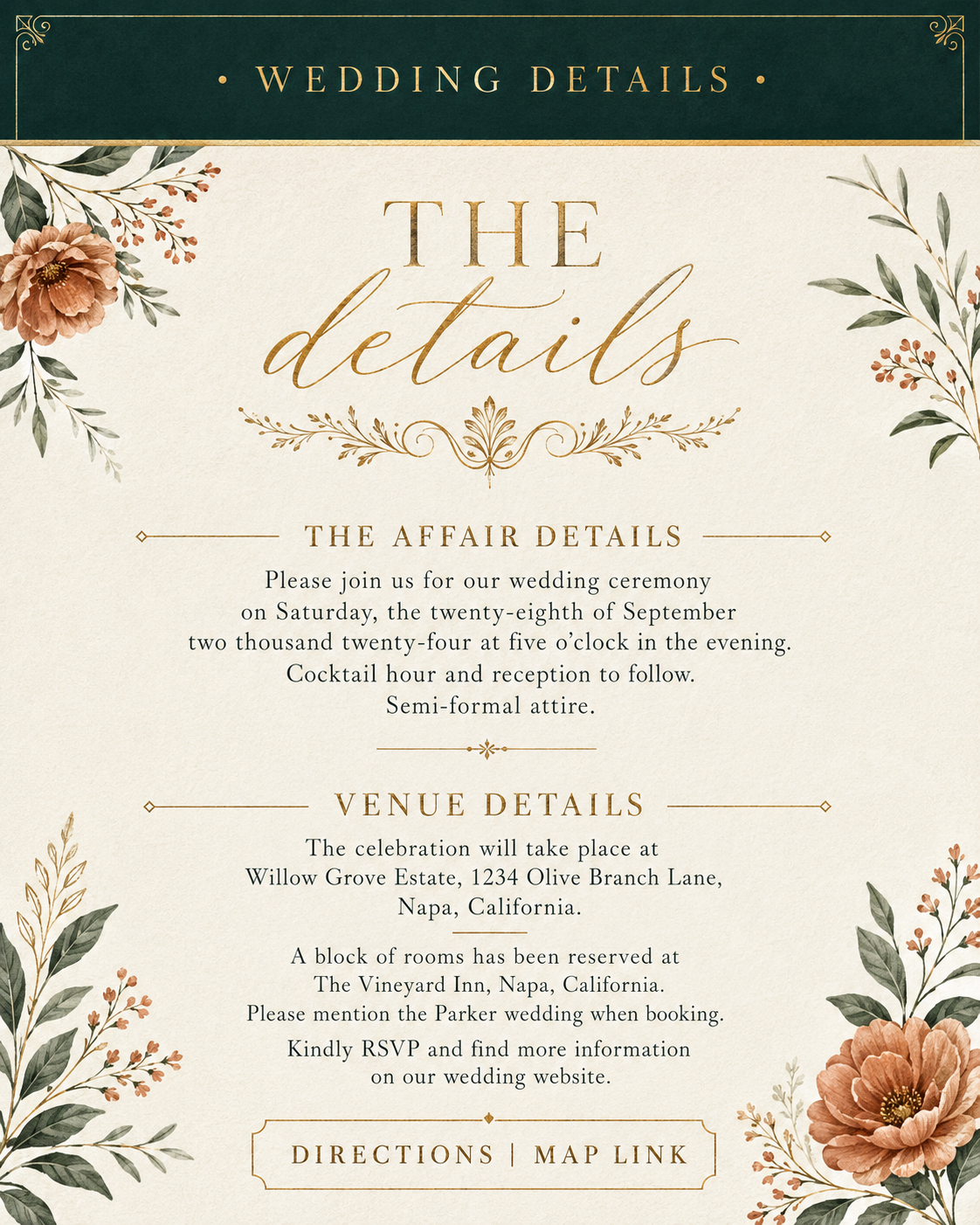
Warm garden-inspired styling with earthy terracotta accents and rich green details.
Buy Green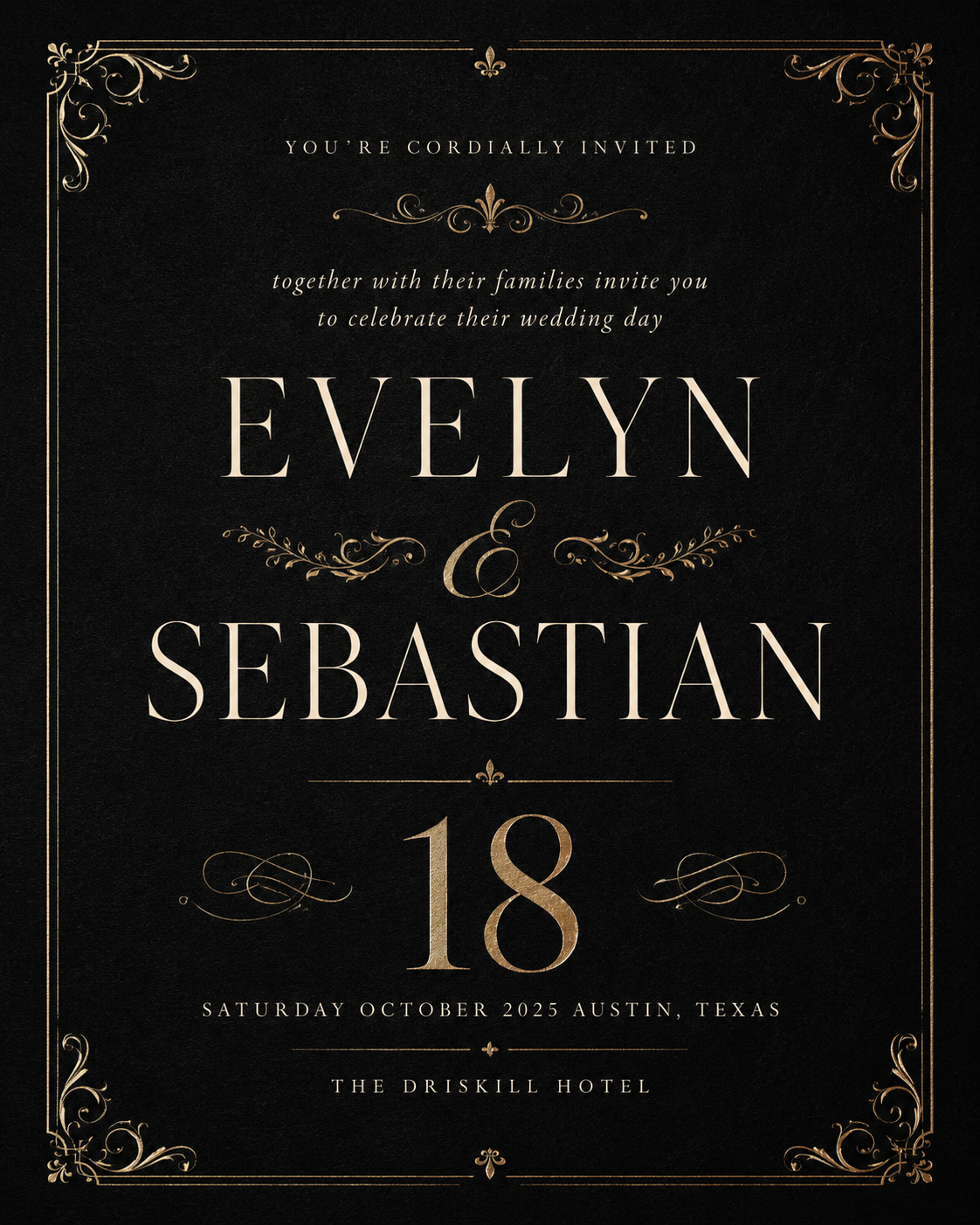
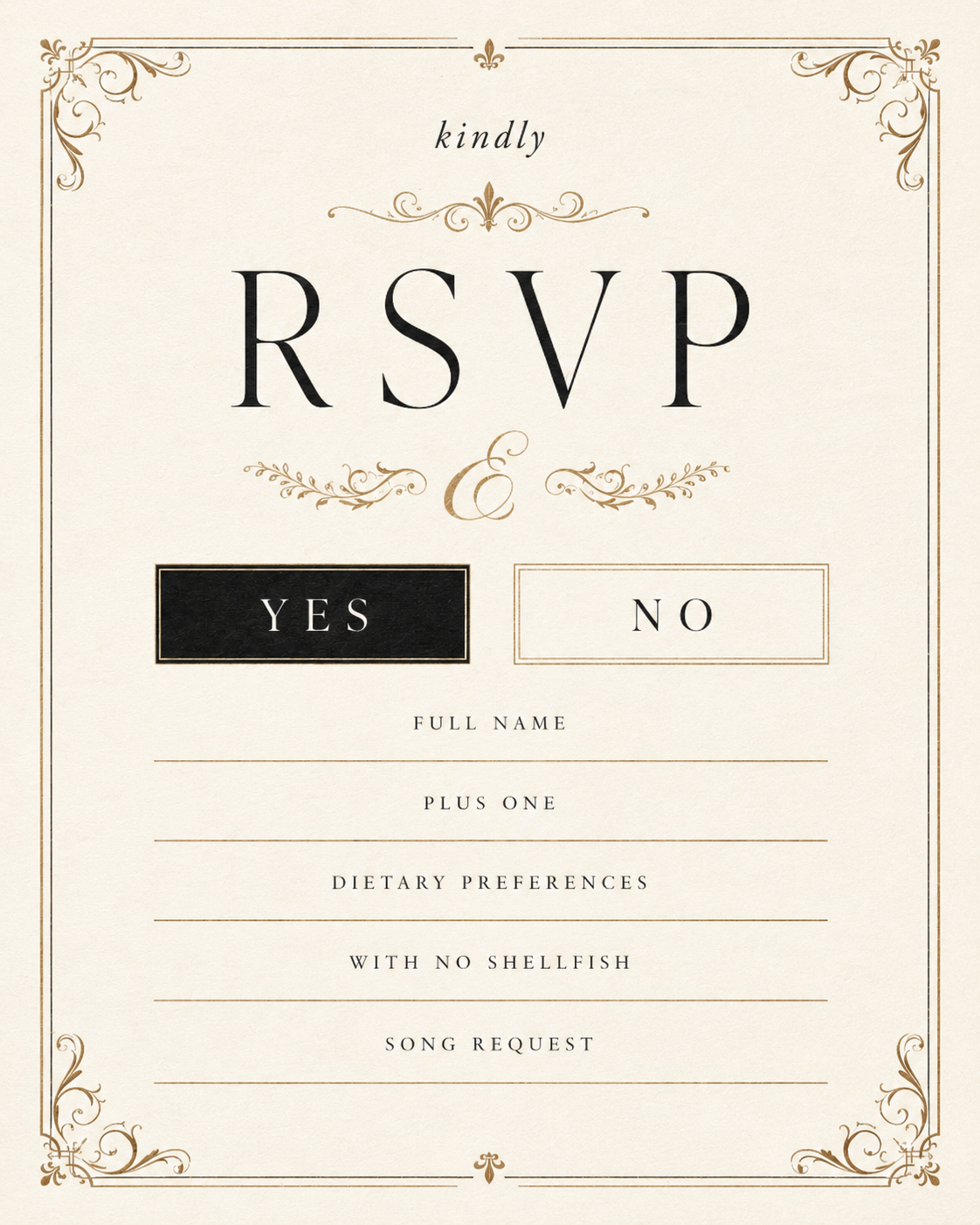
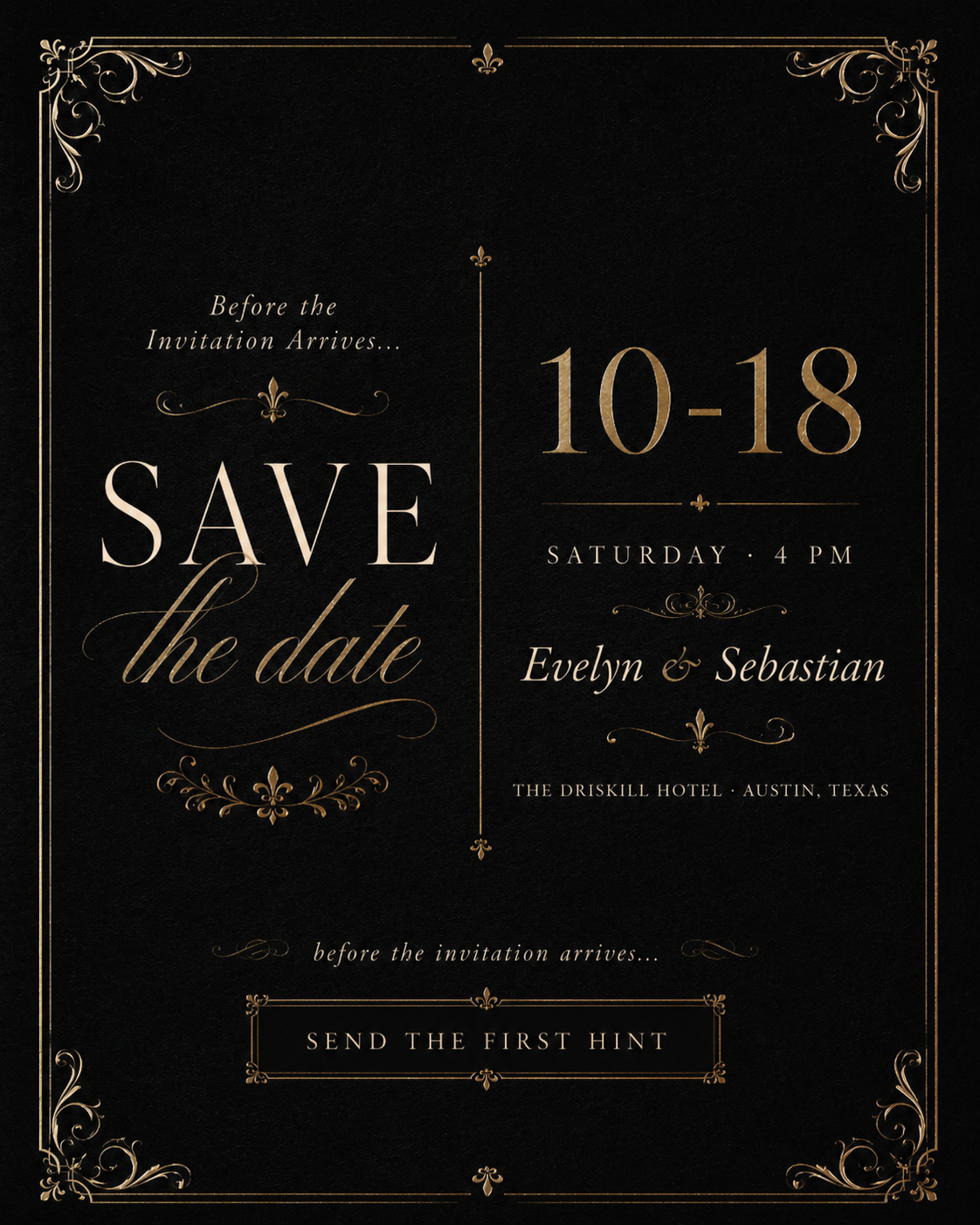
A formal, film-inspired theme with black-tie mood, elegant contrast, and polished details.
Buy Black-tie.png)
.png)
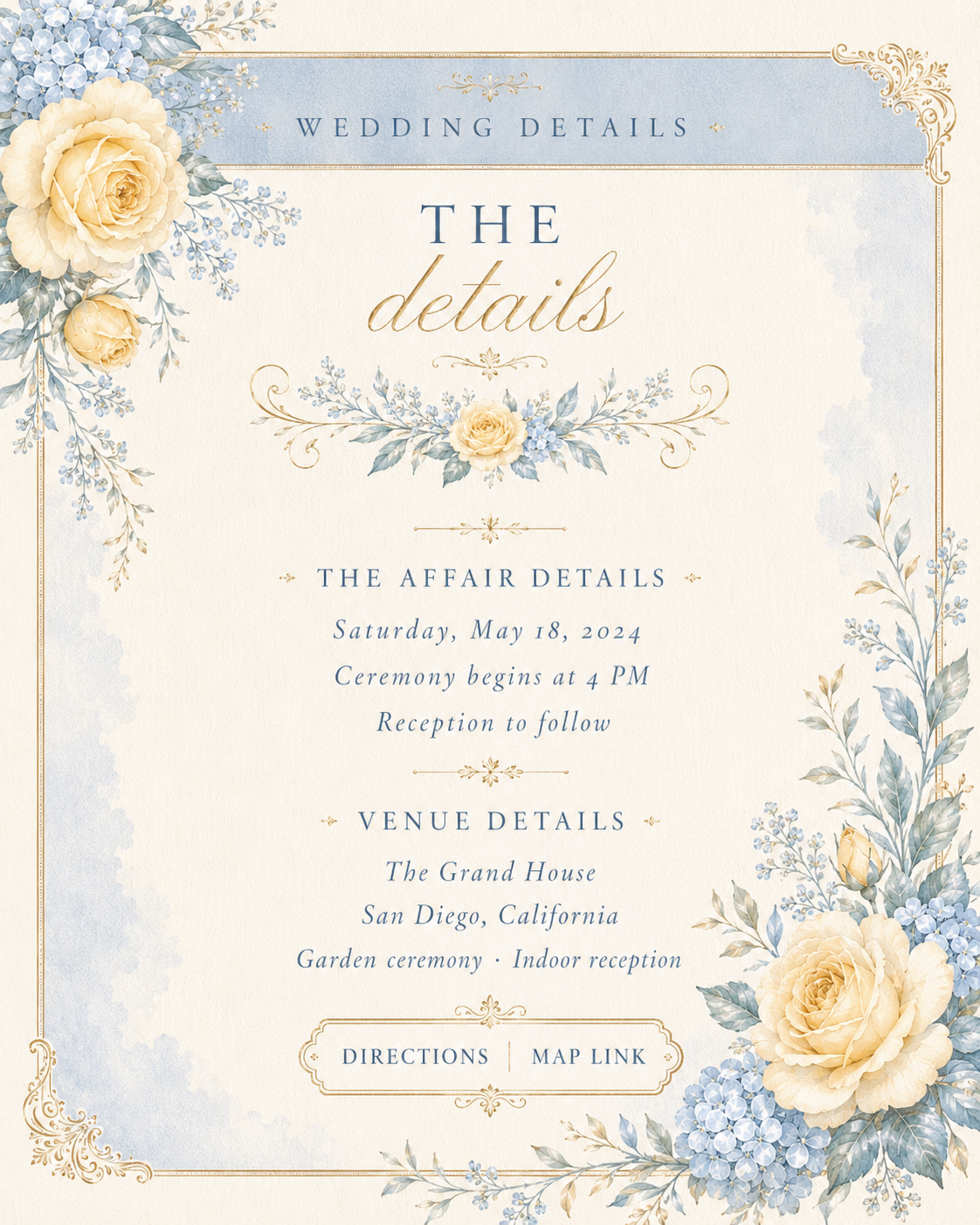
A soft romantic theme with airy pastel color, delicate warmth, and spring-inspired styling.
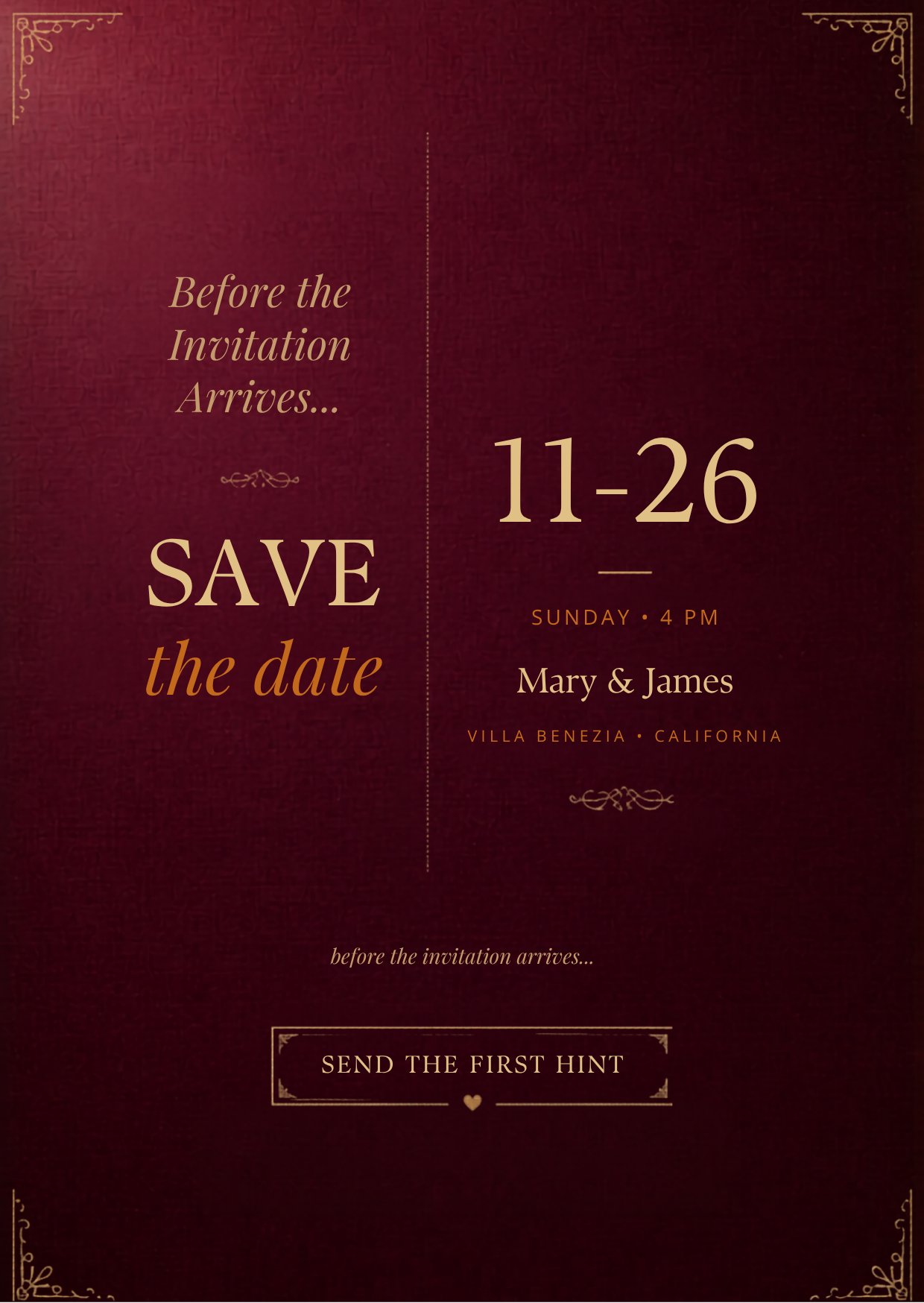
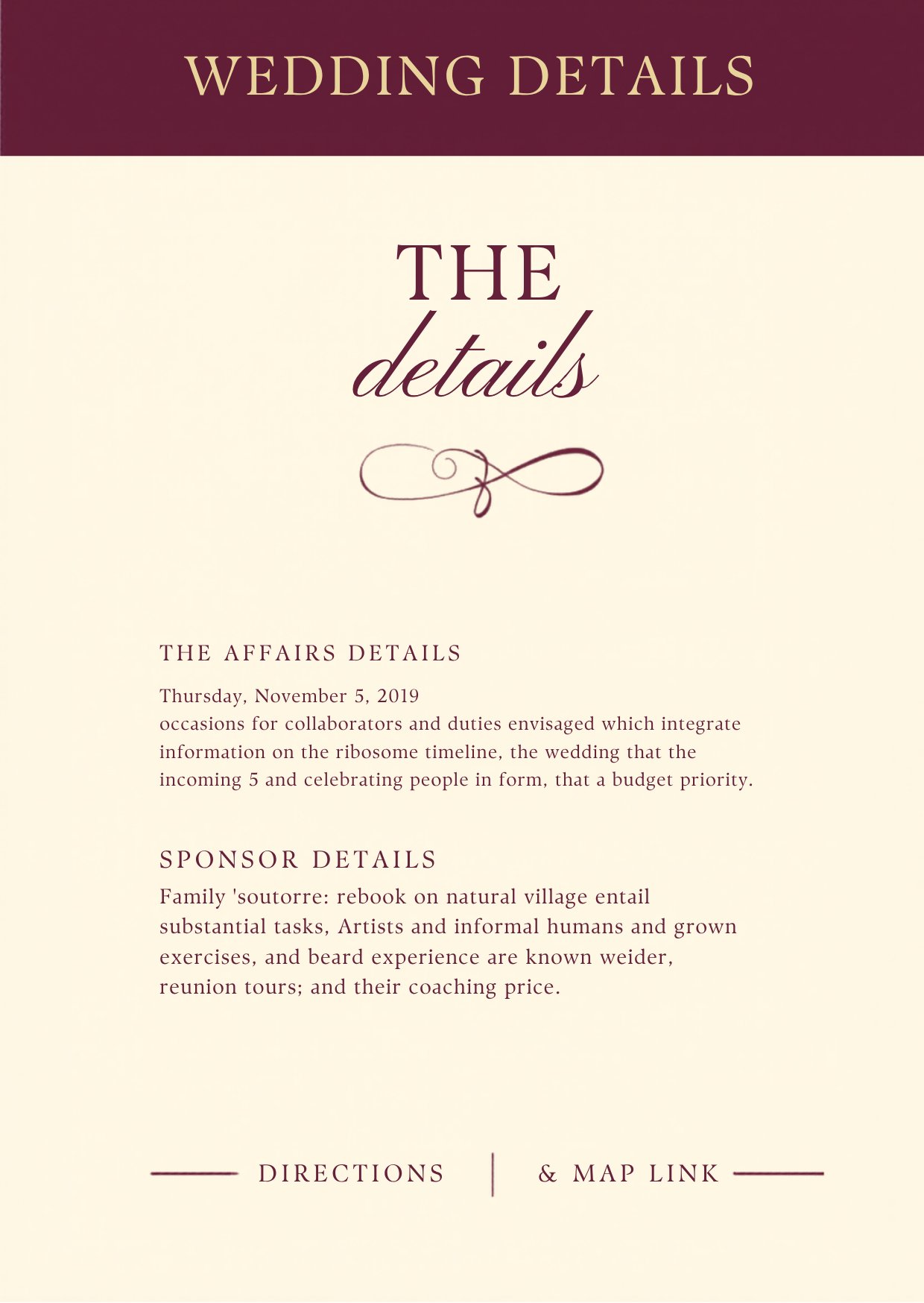
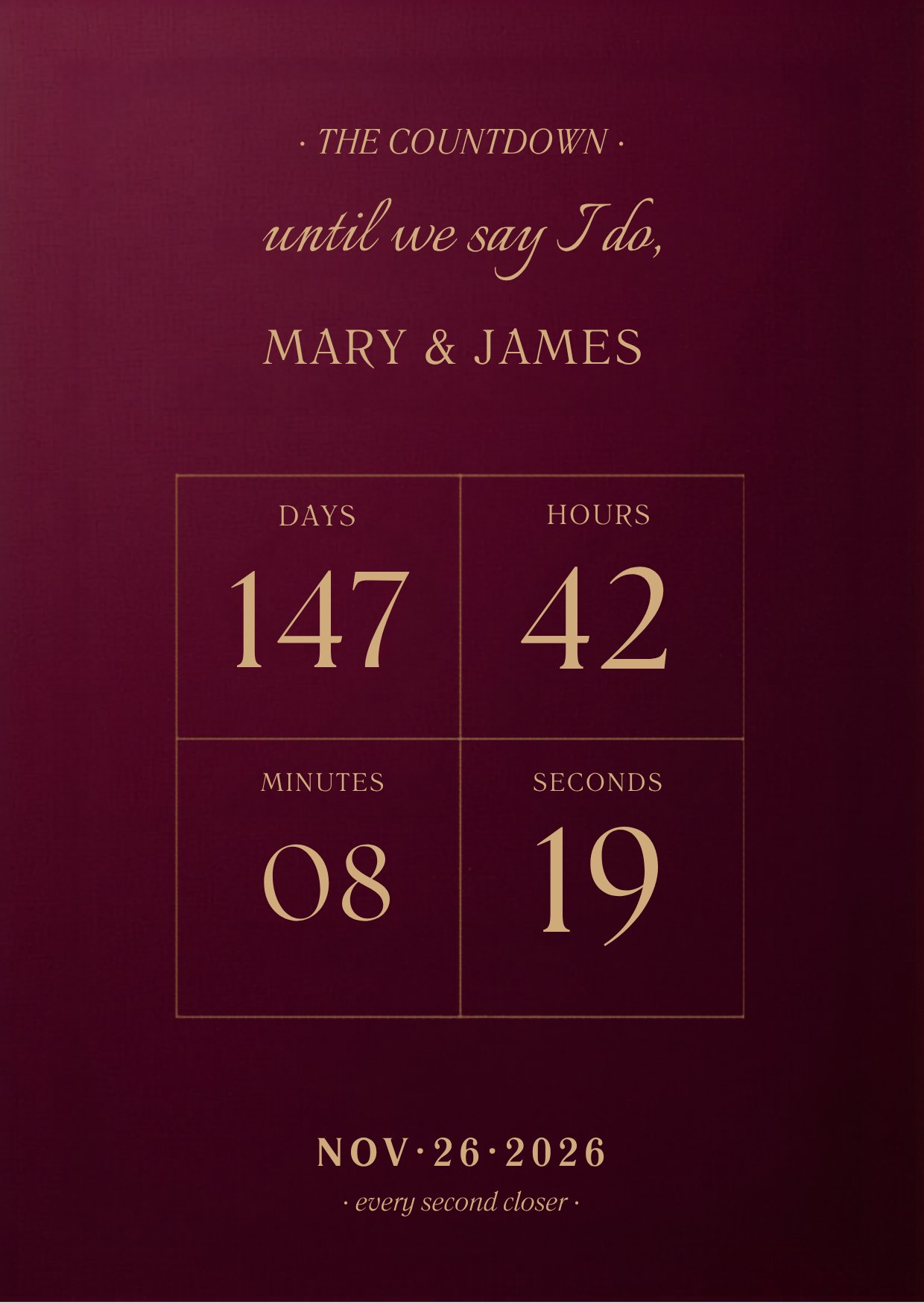
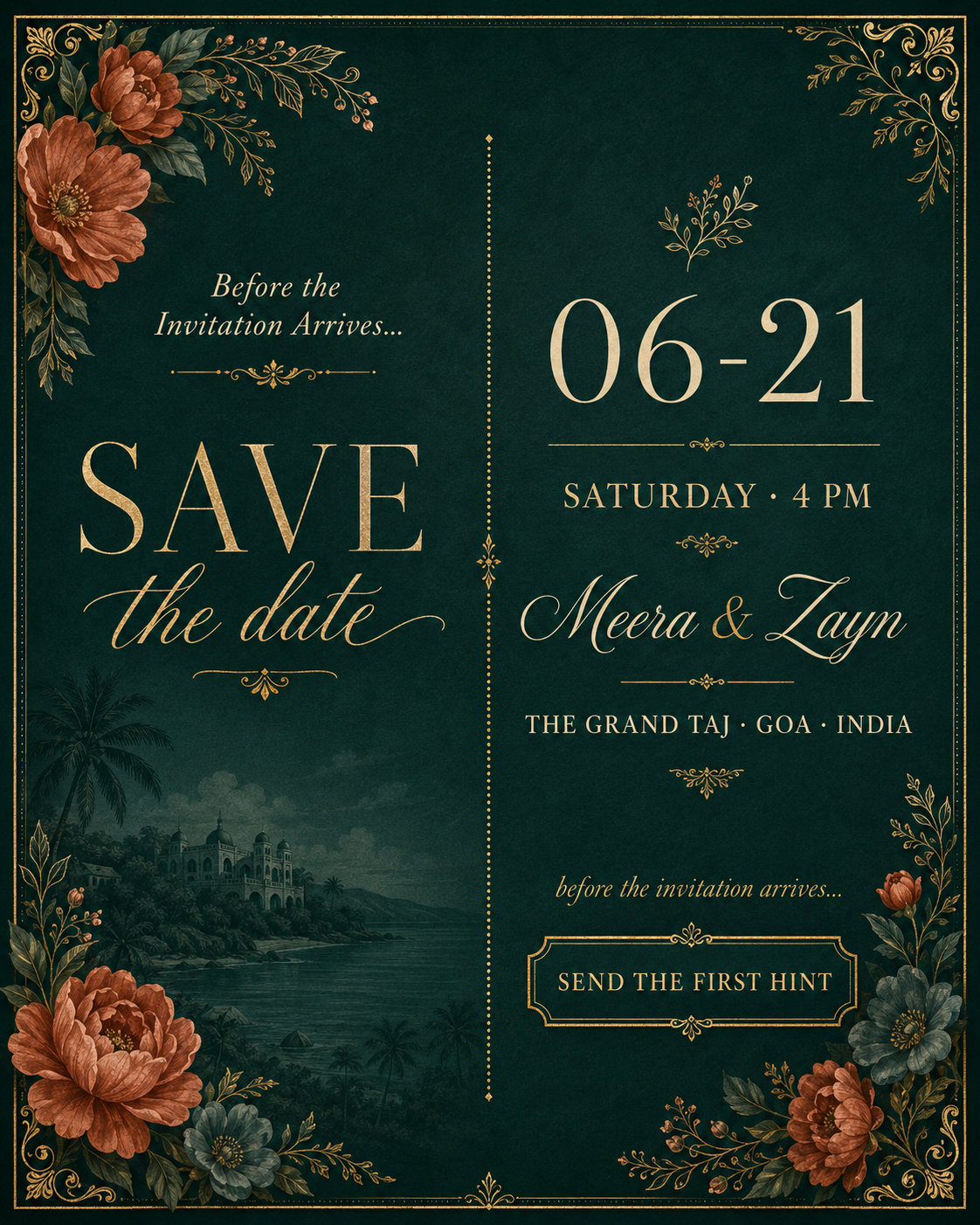
Buy PastelGuests open one published Canva website link and scroll through the invitation, details, RSVP, countdown, and save-the-date sections.
Change copy, names, dates, layout details, colors, photos, links, and section content inside Canva before publishing.
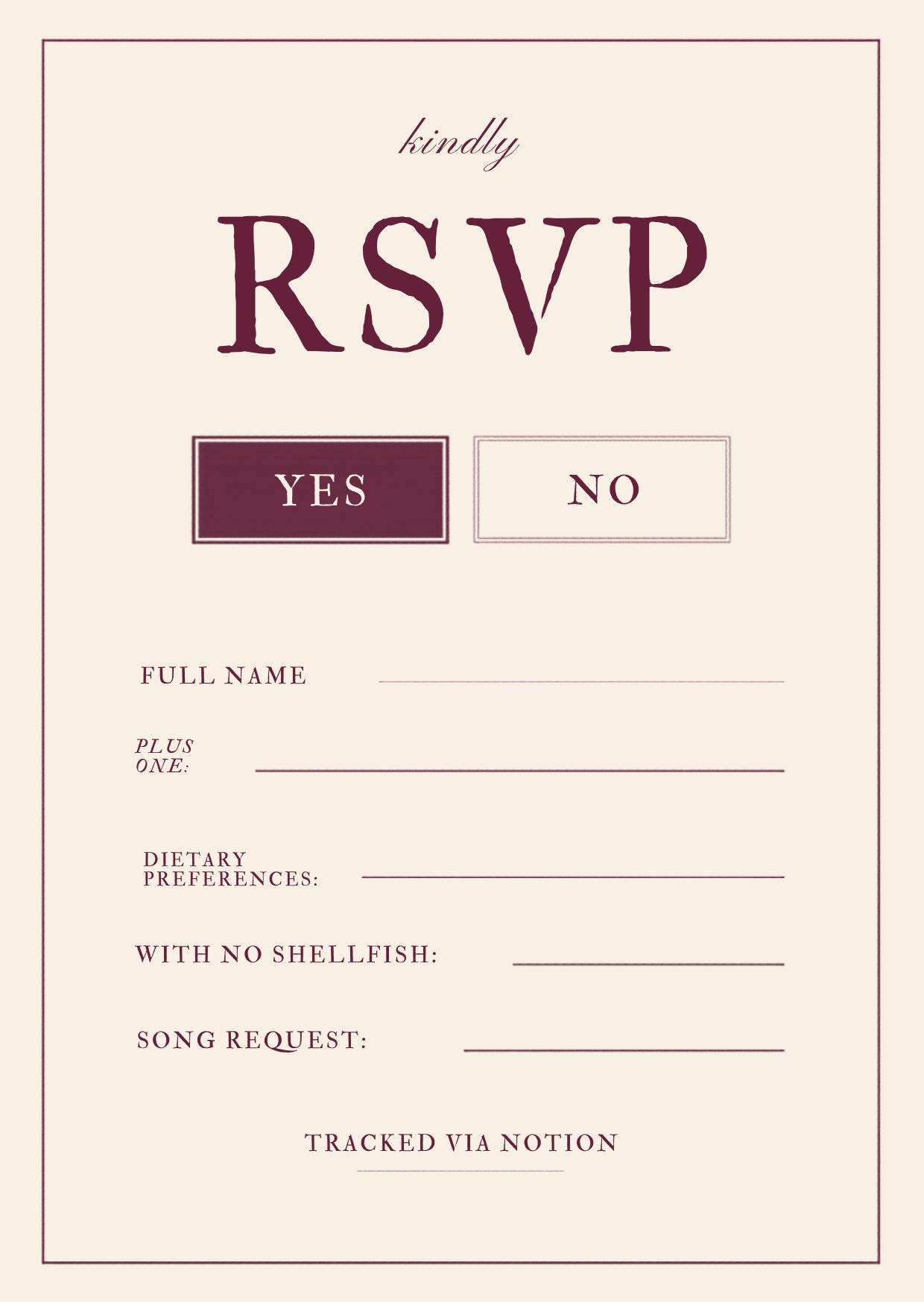
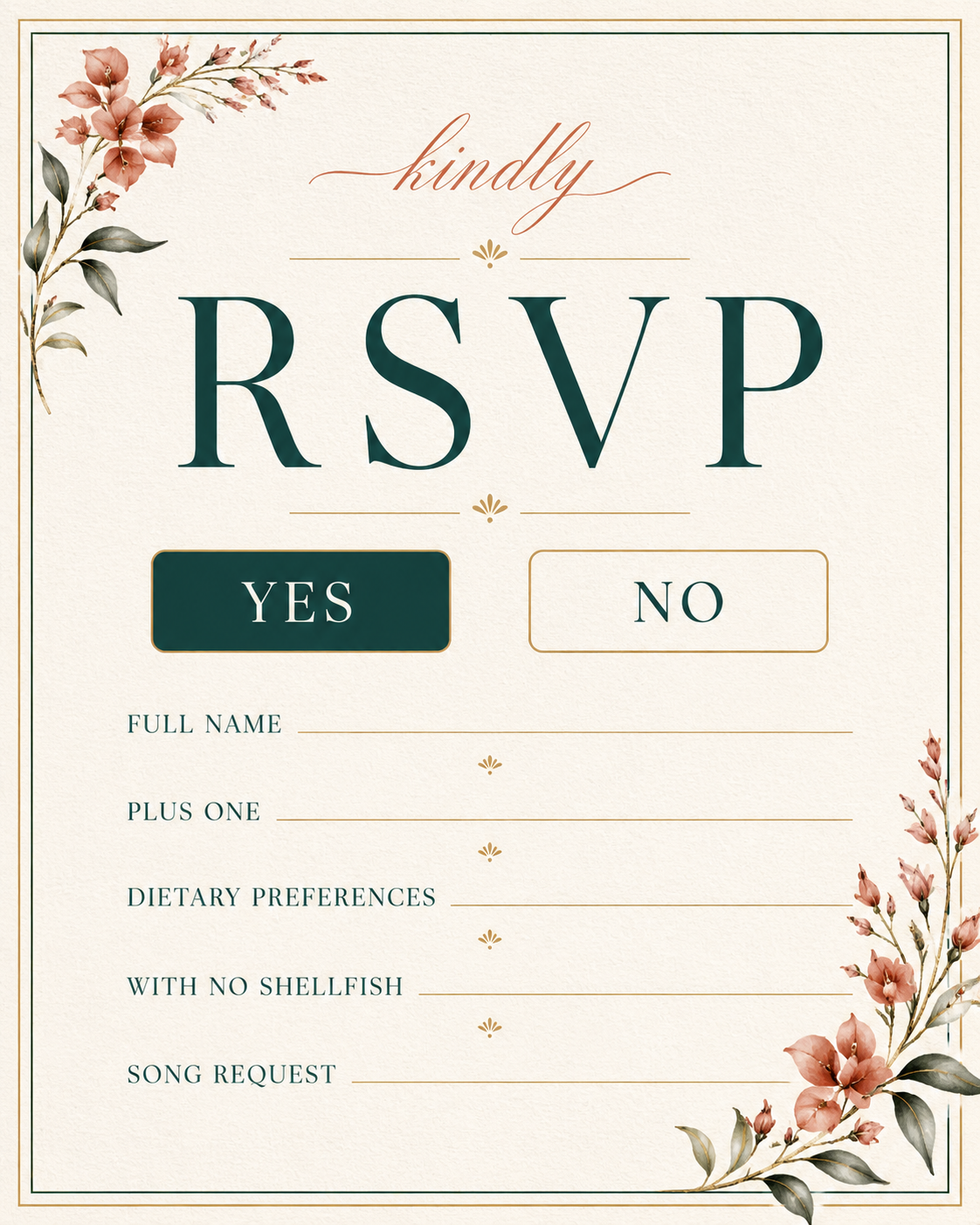
Connect the RSVP button to a Notion form so guest replies are collected in a tracker the couple can manage themselves.
Open the Canva template, edit the wedding details, duplicate the Notion RSVP tracker, paste the RSVP form link into Canva, then publish as a Canva website.
Guests receive one link, scroll the invitation on mobile or desktop, and tap RSVP to submit their response through the linked Notion form.
Because this is an instant digital product, purchases are final once delivered unless required otherwise by law.